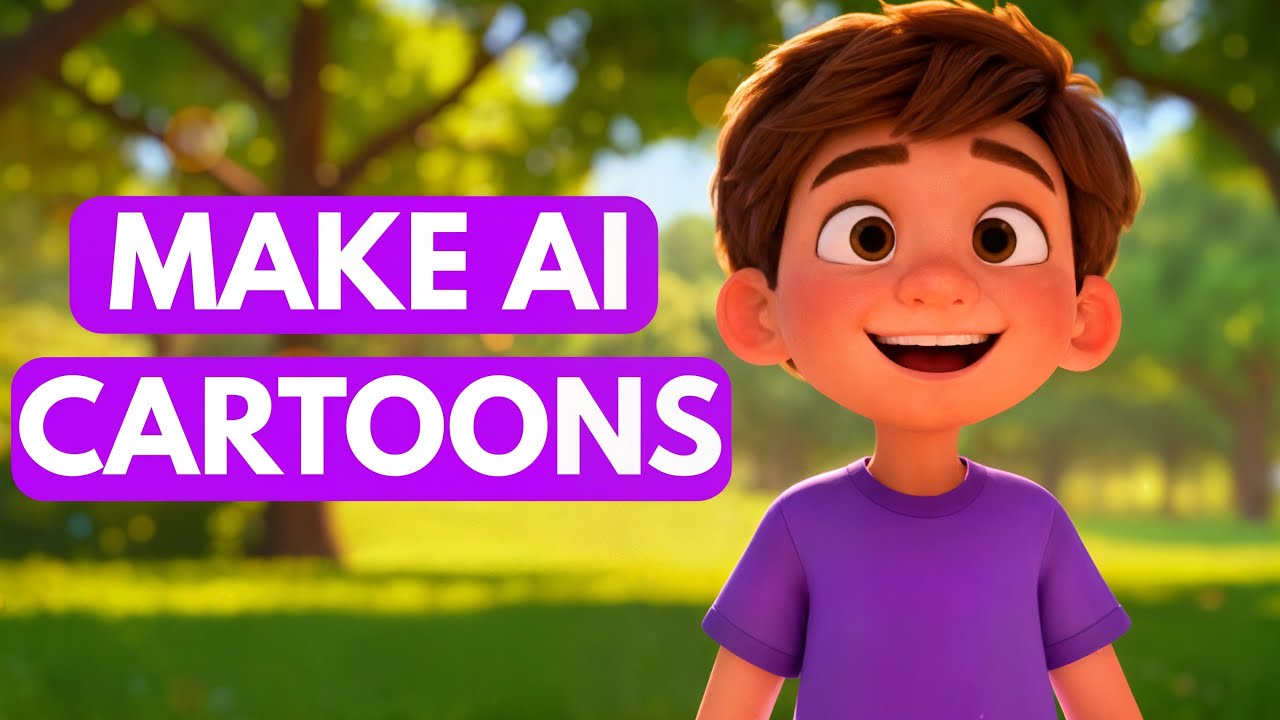

Creating animated cartoon videos used to require expensive software, advanced animation skills, and countless hours of work. Today, artificial intelligence (AI) has completely changed the game. With AI-powered tools, anyone can create professional-looking animated cartoon videos without being an expert animator. Whether you’re a content creator, teacher, marketer, or simply someone who enjoys making creative videos, AI can help you bring your ideas to life quickly and easily.
In this article, you’ll learn the complete process of making an animated cartoon video using AI, from generating ideas to producing the final video.
What Is an AI Animated Cartoon Video?
An AI animated cartoon video is a video where artificial intelligence assists in creating characters, generating scripts, producing voiceovers, animating scenes, and editing the final content. Instead of manually drawing every frame, AI tools automate most of the work, making animation faster and more accessible.
AI can help with:
- Writing scripts
- Generating cartoon characters
- Creating backgrounds
- Producing voiceovers
- Animating characters
- Editing videos
- Adding music and sound effects
This allows creators to focus more on storytelling and creativity rather than technical animation tasks.
Step 1: Create a Story Idea
Every great cartoon starts with a good story. Before using any AI tools, decide what type of cartoon video you want to make.
Some popular cartoon video ideas include:
- Funny comedy skits
- Educational videos
- Children’s stories
- Motivational animations
- Social media shorts
- Fantasy adventures
- Product promotions
You can use AI writing assistants like ChatGPT to generate story ideas, character concepts, and complete scripts. Simply describe your topic, and AI can create a structured storyline within seconds.
For example, you could ask AI:
“Write a 2-minute cartoon story about a clever cat who saves his village.”
The AI will generate a complete script that you can use as the foundation of your video.
Step 2: Generate a Cartoon Script
Once you have a story idea, create a detailed script. The script should include:
- Character dialogues
- Scene descriptions
- Narration
- Actions and movements
A good script keeps the video organized and makes the animation process much easier.
Many AI writing tools can create scripts automatically. You can even ask AI to write scripts in different styles, such as humorous, dramatic, educational, or cinematic.
Make sure the script is clear and engaging. Shorter sentences usually work best for animated videos because they are easier for viewers to follow.
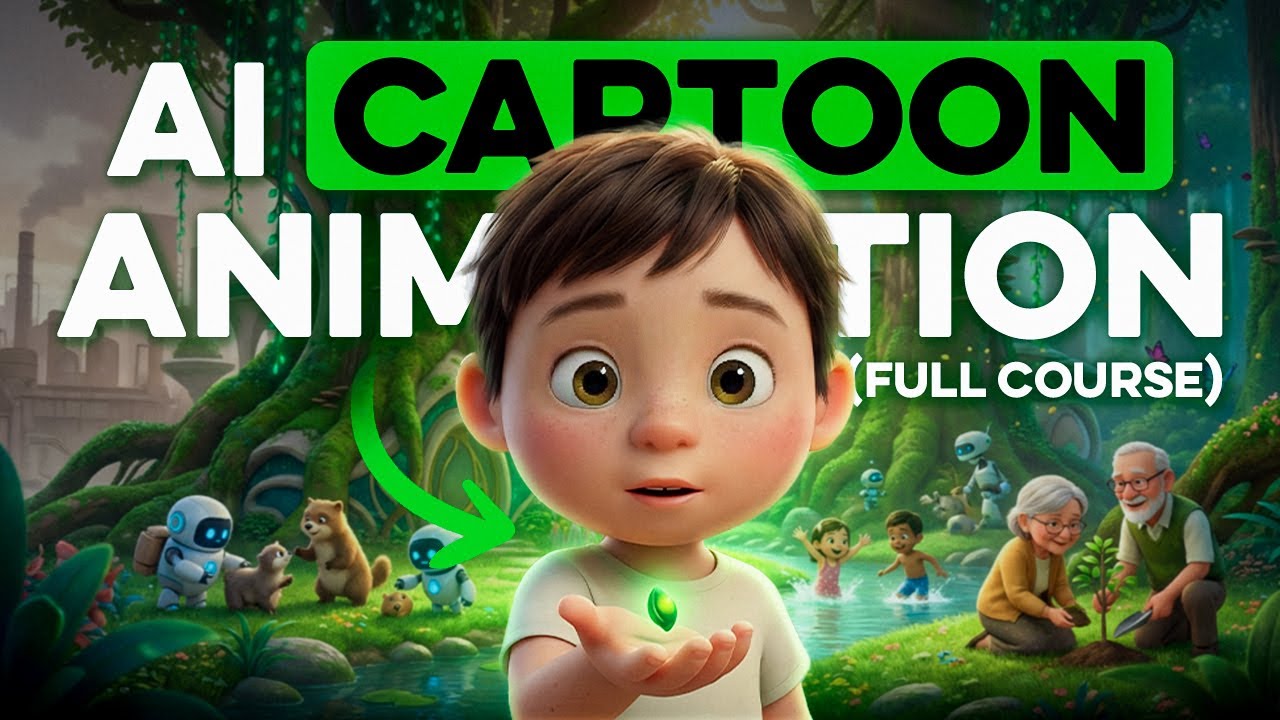
Step 3: Design Cartoon Characters
The next step is creating your cartoon characters.
Modern AI image generators can create unique cartoon characters from simple text descriptions.
For example, you can enter prompts like:
- “Cute cartoon rabbit wearing a red jacket”
- “Funny pirate monkey with a treasure map”
- “Young superhero boy in cartoon style”
Within seconds, AI generates multiple character designs.
When creating characters, maintain consistency by using the same character appearance throughout the video. Many AI tools allow you to save character references for future scenes.
Try creating:
- Main character
- Supporting characters
- Villains or obstacles
- Sidekicks or pets
Distinct characters make the story more memorable and engaging.
Step 4: Create Background Scenes
After designing characters, create the environments where the story takes place.
AI image generators can produce:
- Forests
- Cities
- Schools
- Castles
- Space stations
- Villages
- Fantasy worlds
Simply describe the scene you need.
For example:
“Colorful cartoon village during sunset.”
The AI will generate a matching background image that fits the style of your characters.
Creating multiple backgrounds helps make the animation feel dynamic and visually interesting.
Step 5: Generate AI Voiceovers
Voiceovers are essential for bringing cartoon characters to life.
AI voice generators can convert text into realistic speech in various languages, accents, and tones.
Benefits of AI voiceovers include:
- No microphone needed
- Professional sound quality
- Multiple voice options
- Fast generation
- Easy editing
You can assign different voices to different characters.
For example:
- Deep voice for a king
- Child voice for a young hero
- Funny voice for a sidekick
Many AI voice tools also allow emotional expressions such as happiness, excitement, sadness, or anger.
This makes the characters sound more natural and engaging.
Step 6: Animate the Characters
Animation is where the magic happens.
AI animation tools can transform static character images into moving characters automatically.
Instead of manually creating every movement, AI can generate:
- Lip-syncing
- Walking animations
- Facial expressions
- Head movements
- Hand gestures
- Body motions
Simply upload your character image and voiceover.
The AI synchronizes the character’s mouth movements with the speech, creating realistic animated dialogue.
Advanced tools can even animate full-body movements based on simple instructions.
This dramatically reduces production time compared to traditional animation methods.
Step 7: Assemble Scenes in a Video Editor
Once your characters and animations are ready, combine everything into a video editor.
Arrange:
- Background scenes
- Animated characters
- Voiceovers
- Music
- Sound effects
- Transitions
Organize the scenes according to your script.
A typical cartoon structure includes:
- Introduction
- Character introduction
- Main conflict
- Action sequence
- Resolution
- Ending message
Keep pacing smooth and avoid making scenes too long.
Short, engaging scenes help maintain viewer attention throughout the video.
Step 8: Add Music and Sound Effects
Sound plays a major role in animation.
AI can also help generate background music and sound effects.
Consider adding:
- Happy music for cheerful scenes
- Suspense music for dramatic moments
- Action music for exciting sequences
- Ambient sounds for realism
Sound effects can include:
- Footsteps
- Door openings
- Animal sounds
- Magic effects
- Explosions
- Laughter
Proper audio greatly enhances the viewer’s experience and makes the cartoon feel more professional.
Step 9: Use AI Video Enhancement Tools
Before exporting your video, use AI enhancement tools to improve quality.
These tools can:
- Increase video resolution
- Reduce noise
- Improve colors
- Stabilize motion
- Sharpen details
Even if your original animation is simple, AI enhancement can make it look significantly better.
This step is especially useful for content creators uploading videos to platforms like YouTube, TikTok, Instagram, and Facebook.
Step 10: Export and Publish Your Video
After completing the editing process, export the final video.
Recommended settings include:
- Resolution: 1080p or 4K
- Format: MP4
- Frame rate: 30 FPS or 60 FPS
Once exported, upload your video to your preferred platform.
Popular platforms include:
- YouTube
- TikTok
- Instagram Reels
- Educational websites
- Business websites
Create an attractive thumbnail and title to increase viewer engagement.
Tips for Creating Better AI Cartoon Videos
To make your cartoons stand out, follow these tips:
Keep Stories Simple
Simple stories are easier to understand and usually perform better with audiences.
Focus on Character Personality
Memorable characters help viewers connect emotionally with the story.
Use Consistent Visual Style
Maintain similar colors, backgrounds, and character designs throughout the video.
Add Humor
Even educational videos benefit from light humor and entertaining moments.
Optimize for Mobile Viewers
Most viewers watch videos on smartphones, so ensure text and visuals remain clear on smaller screens.
Experiment with Different AI Tools
Different AI platforms excel at different tasks. Combining multiple tools often produces the best results.
The Future of AI Animation
AI animation technology continues to evolve rapidly. Features that once required professional studios can now be accessed by individual creators. Future AI tools will likely offer even better character consistency, real-time animation, advanced storytelling assistance, and highly realistic voice generation.
As AI becomes more powerful, creating animated cartoon videos will become faster, cheaper, and more creative than ever before.
Conclusion
Making an animated cartoon video using AI is easier today than at any time in history. AI can assist with every stage of production, including story creation, script writing, character design, voice generation, animation, editing, and publishing.
Whether you’re creating content for social media, education, entertainment, or business, AI tools can help transform your ideas into engaging animated videos without requiring years of animation experience. By following the steps outlined in this guide, you can start producing professional cartoon videos and bring your imagination to life with the power of artificial intelligence.