
Smartphones today are not just for communication anymore — they have become a big part of personal style and customization. One of the most popular visual customization features is Edge Lighting.
If you have ever seen colorful glowing borders around a phone screen during notifications or charging, that effect is called Edge Lighting. It became popular on Samsung devices, but now almost any Android smartphone can use it with built-in settings or apps.
In this article, you will learn what Edge Lighting is, how to activate it, and the best ways to customize it on your smartphone.
What Is Edge Lighting?
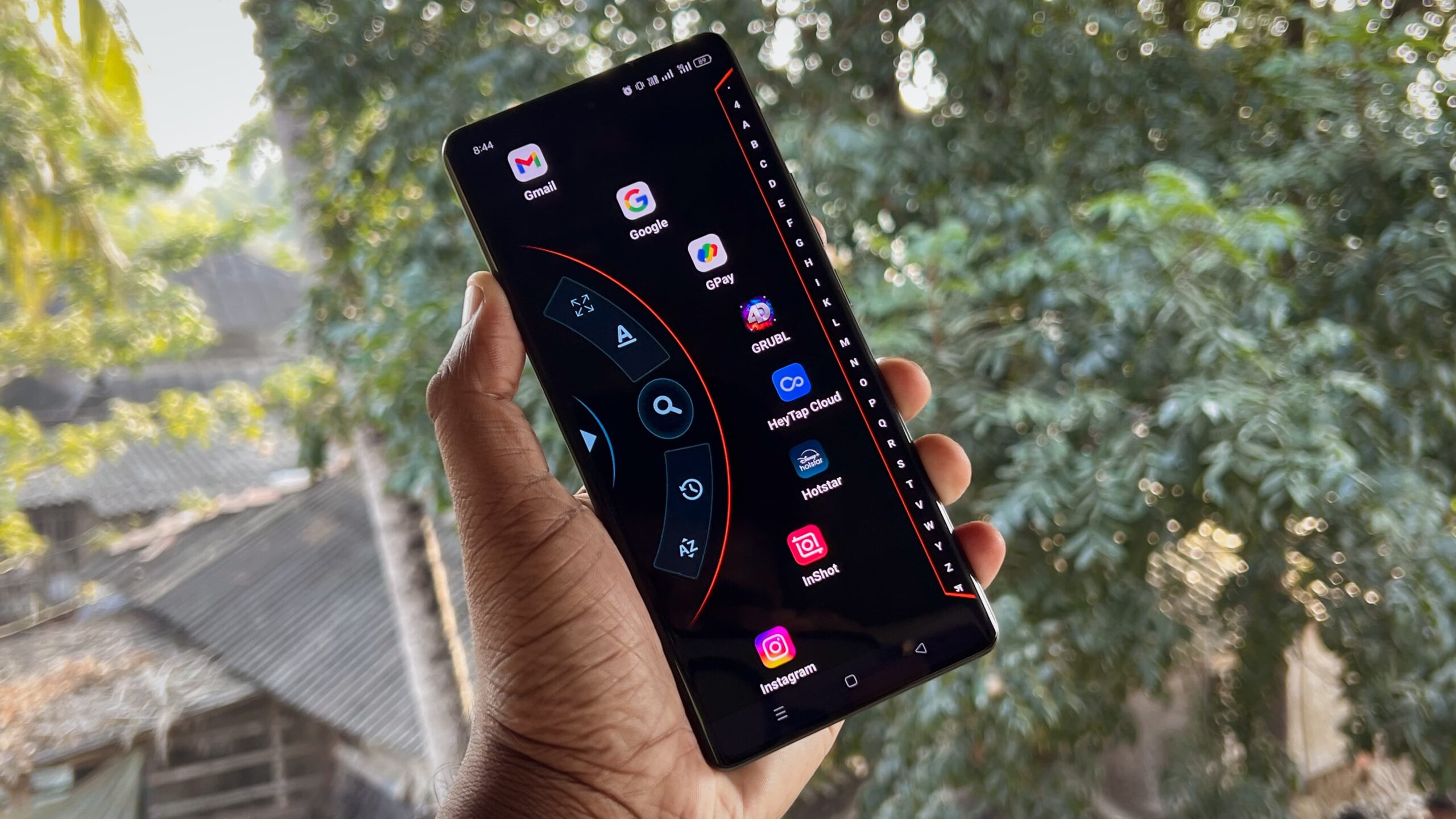
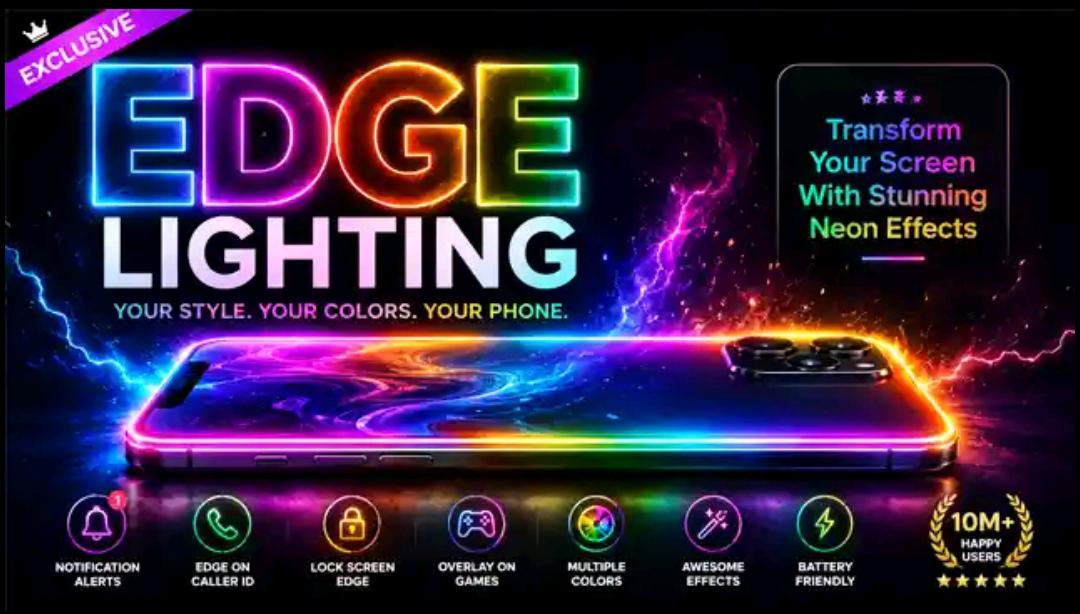
Edge Lighting is a visual notification effect that creates glowing animations around the edges of your phone screen when you receive calls, messages, or notifications.
Instead of a simple sound or vibration, your phone lights up with colorful animated borders that look modern and futuristic.
Popular Edge Lighting effects include:
- Rainbow glow
- Neon borders
- Pulse animations
- LED-style effects
- Music reactive lighting
- Charging animations
This feature gives your phone a premium and stylish appearance.
Why Edge Lighting Is So Popular
Many users love Edge Lighting because it makes smartphones look more attractive and modern.
Benefits of Edge Lighting:
- Notifications become more noticeable
- Your phone looks stylish and futuristic
- Perfect for gaming setups
- Great visual effect on AMOLED displays
- Makes social media videos look cooler
Content creators and gamers especially enjoy using this feature because it adds a unique visual touch.
How to Activate Built-In Edge Lighting
Some smartphones already include Edge Lighting in the system settings.
Samsung Phones
Samsung devices usually have this feature built in.
Follow these steps:
- Open Settings
- Go to Notifications
- Tap Edge Lighting
- Turn it ON
- Customize colors and effects
You can choose different styles such as:
- Bubble effect
- Fireworks animation
- Glow effect
- Multicolor lighting
How to Get Edge Lighting on Any Android Phone
If your phone does not include Edge Lighting, you can still get the feature using apps from the Play Store.
Popular Edge Lighting apps:
- Edge Lighting Colors
- Always On Edge
- Border Light Live Wallpaper
- LED Borderlight
These apps allow almost any Android phone to display glowing edge animations.
Step-by-Step Setup Guide
Step 1: Install an Edge Lighting App
Download your preferred Edge Lighting app from the Google Play Store.
Step 2: Allow Permissions
Most apps require permissions such as:
- Notification access
- Display over apps
- Accessibility access
These permissions help the app display lighting effects properly.
Step 3: Customize the Effects
Open the app and customize the lighting style.
You can adjust:
- Border thickness
- Animation speed
- Colors
- Rounded corners
- Glow intensity
This allows you to create your own unique look.
Best Edge Lighting Effects
Modern apps offer many creative lighting styles.
Rainbow Effect
Multiple colors smoothly move around the screen edges.
Neon Glow
Perfect for gaming and RGB setups.
Pulse Animation
Creates a heartbeat-like glowing effect.
Music Edge Lighting
Lights react to music beats in real time.
Charging Animation
Displays glowing borders while charging the phone.
AMOLED Displays Look Even Better
Edge Lighting looks especially impressive on AMOLED and OLED displays because of their deep blacks and bright colors.
Advantages include:
- Better contrast
- More vibrant lighting
- Cleaner glow effects
- Improved battery efficiency
That is why flagship smartphones often showcase this feature.
Does Edge Lighting Drain Battery?
Edge Lighting can use extra battery because it displays animations continuously.
However, battery usage depends on:
- The app you use
- Screen brightness
- Animation intensity
- Your phone’s hardware
Tips to save battery:
- Keep brightness moderate
- Avoid always-on effects
- Use lightweight apps
- Disable unnecessary animations
AMOLED phones usually handle these effects more efficiently.
Edge Lighting for Gaming Setups
Gamers love Edge Lighting because it creates an RGB-style appearance similar to gaming PCs and accessories.
Gaming benefits:
- Stylish setup visuals
- Better streaming aesthetics
- Attractive gaming clips
- Futuristic appearance in dark rooms
It is especially popular in gaming reels and TikTok videos.
Is It Safe to Use?
Yes, Edge Lighting apps are generally safe if you download trusted apps from the Google Play Store.
Safety tips:
- Read app reviews
- Avoid unknown APK files
- Check permissions carefully
- Use highly rated apps only
Extra Customization Ideas
You can combine Edge Lighting with other customization features to create an even cooler setup.
Popular combinations:
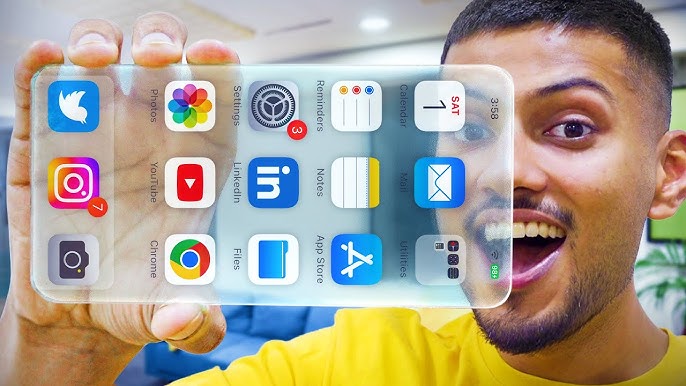
- Transparent wallpapers
- Dynamic Island effects
- iPhone launchers
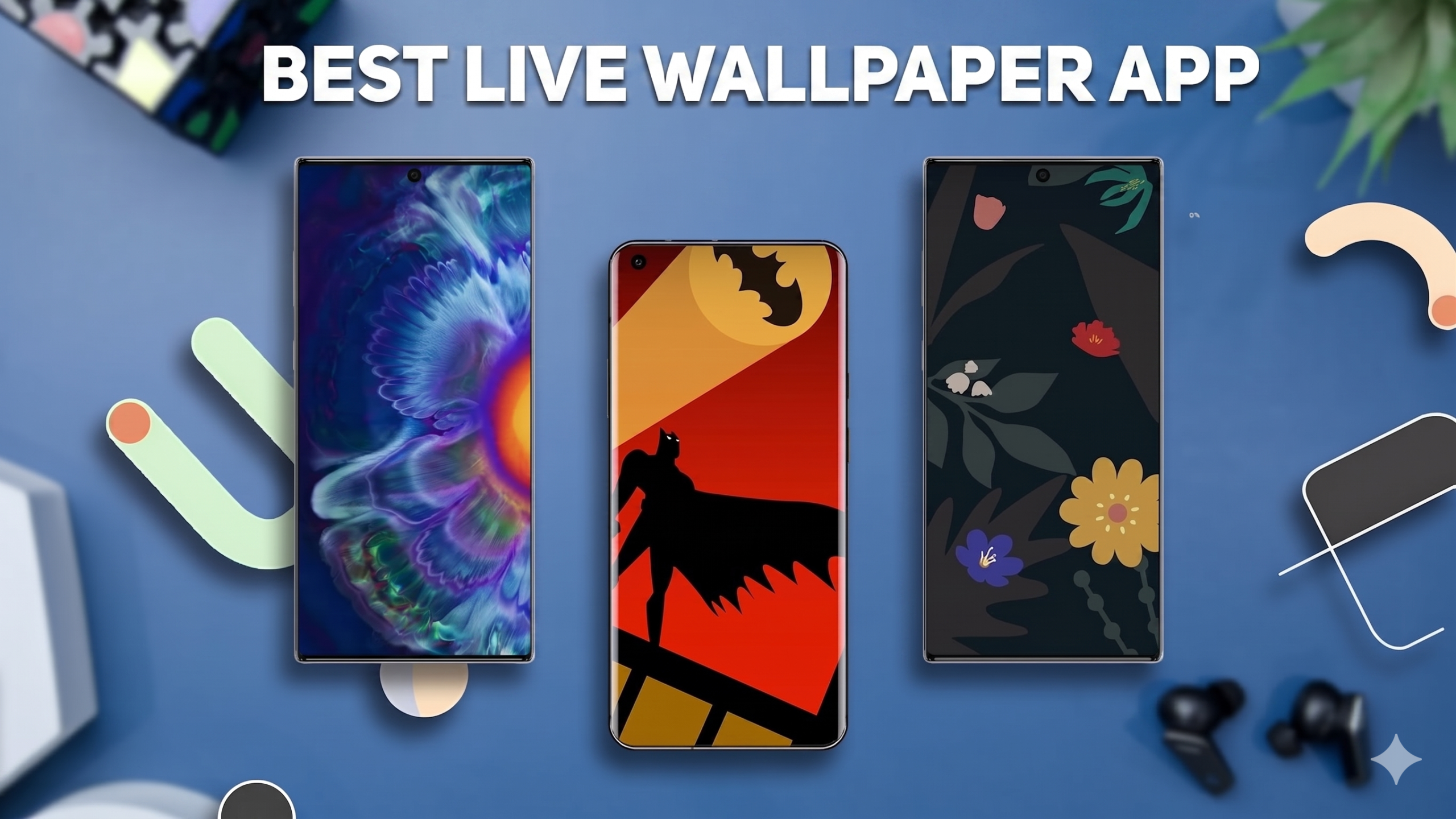
- AMOLED live wallpapers
- RGB widgets
These features together can completely transform the look of your phone.
Great for Content Creators
If you create content for TikTok, Instagram, or YouTube, Edge Lighting can make your videos look more professional and eye-catching.
You can use it for:
- Setup showcase videos
- Gaming edits
- Aesthetic smartphone content
- Viral transition effects
Visual customization trends perform very well on social media.
Final Thoughts
Edge Lighting is one of the easiest ways to make your smartphone look modern, stylish, and futuristic. Whether your phone has the feature built in or you use a third-party app, setting it up only takes a few minutes.
Smartphone customization has become a huge trend, and Edge Lighting is a perfect example of how small visual changes can completely improve the overall experience.
If you want your phone to stand out and look more premium, Edge Lighting is definitely worth trying.