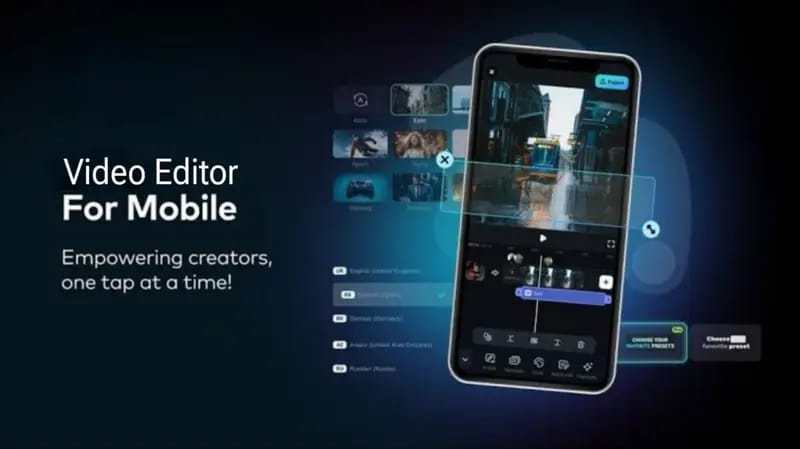

In today’s digital world, smartphones are no longer just for calling or messaging—they’ve become powerful tools for content creation. Whether you create videos for TikTok, Instagram Reels, or YouTube Shorts, having a good video editing app on your Android device is essential. There are many options available, but not all apps offer the same features or performance. In this article, we’ll explore the best video editors for Android in a simple, human tone so you can easily choose the right one.
First, it’s important to understand that the “best” app depends on your needs. If you’re a beginner, you’ll need something simple and easy to use. If you’re more advanced, you’ll want professional-level features.
1. CapCut – All-in-One Powerful Editor
CapCut is currently one of the most popular video editing apps, especially among short-form content creators. Its interface is clean and beginner-friendly, yet it offers powerful tools like transitions, effects, text animations, and music integration.
One of CapCut’s biggest strengths is its AI features. You can use auto captions, background removal, and ready-made trending templates. If you want to create viral-style videos quickly without spending too much time editing, CapCut is a great choice.
2. KineMaster – Professional Editing on Mobile
KineMaster is perfect for users who want a more professional editing experience on their phone. It supports multi-layer editing, allowing you to work with videos, images, text, and effects separately.
It also includes advanced tools like chroma key (green screen), blending modes, and precise timeline control. If you’re creating YouTube content or cinematic-style videos, KineMaster is a strong option.
3. VN Video Editor – Clean and Easy to Use
VN Video Editor is a powerful yet simple app that works well for both beginners and intermediate users. Its interface is smooth and easy to understand, making editing stress-free.
A major advantage of VN is that it allows high-quality exports without a watermark, even in the free version. It also offers features like speed control, transitions, and keyframe animation.
4. Alight Motion – Best for Motion Graphics
If you’re into animations, motion graphics, or aesthetic edits, Alight Motion is one of the best apps available. It may feel a bit complex at first, but once you learn it, the possibilities are endless.
With features like vector animation, keyframes, and visual effects, you can create highly creative and professional-looking edits. Many trending edits on social media are made using this app.
5. InShot – Quick and Simple Editing
InShot is ideal for quick edits and beginners. If you just want to trim clips, add music, apply filters, or resize videos for social media, this app does the job perfectly.
It’s optimized for platforms like Instagram and TikTok, so you can easily adjust your videos to the right format without any hassle.
Which App Should You Choose?
- Beginner? → Go for InShot or VN Video Editor
- Want fast viral content? → CapCut is the best
- Need professional tools? → Choose KineMaster
- Love creative animations? → Alight Motion is perfect
Important Video Editing Tips
1. Content Matters More Than Effects
No matter how many effects you use, your video won’t perform well if the content isn’t engaging.
2. Keep It Short and Catchy
The first 3 seconds are the most important. Grab attention quickly.
3. Use Trending Sounds
Trending audio can significantly boost your reach on social media platforms.
4. Stay Consistent
Posting regularly helps you grow faster and build an audience.
Final Thoughts
Choosing the best video editor for Android depends on your style and skill level. Beginners should start with simple apps and gradually move to advanced tools. The good news is that today, you can create professional-quality videos directly from your smartphone.
If you’re serious about content creation, starting with apps like CapCut or KineMaster can take your videos to the next level. With practice and creativity, you can produce high-quality content that stands out and attracts a larger audience.