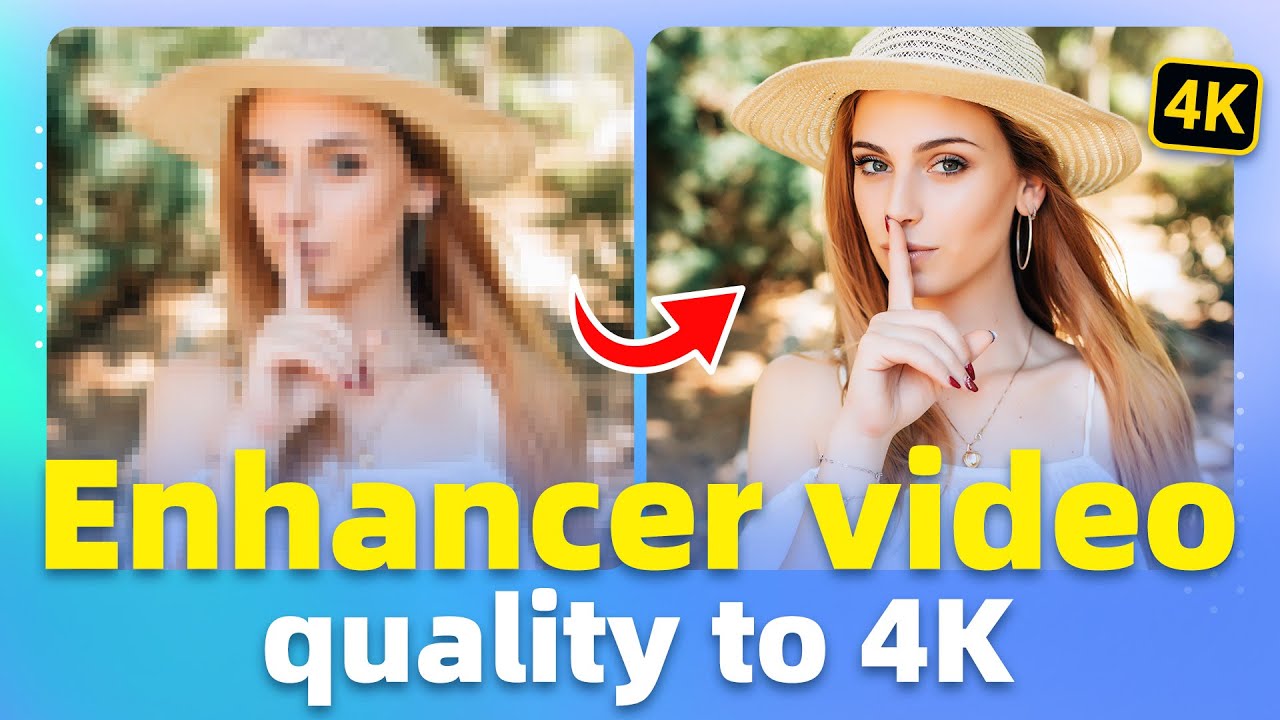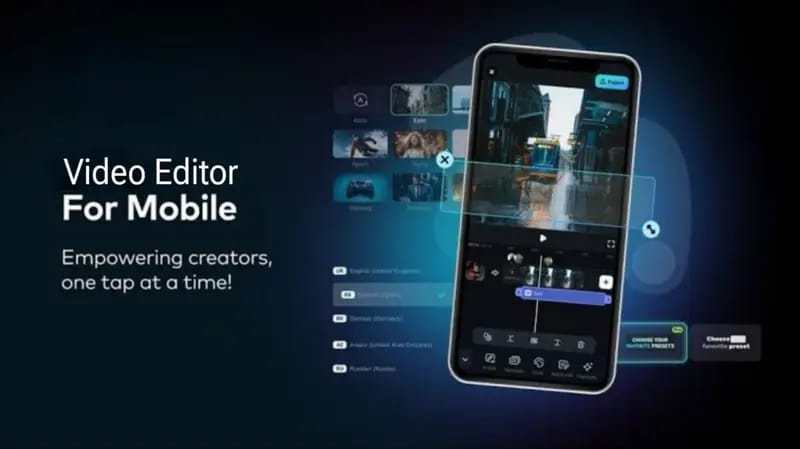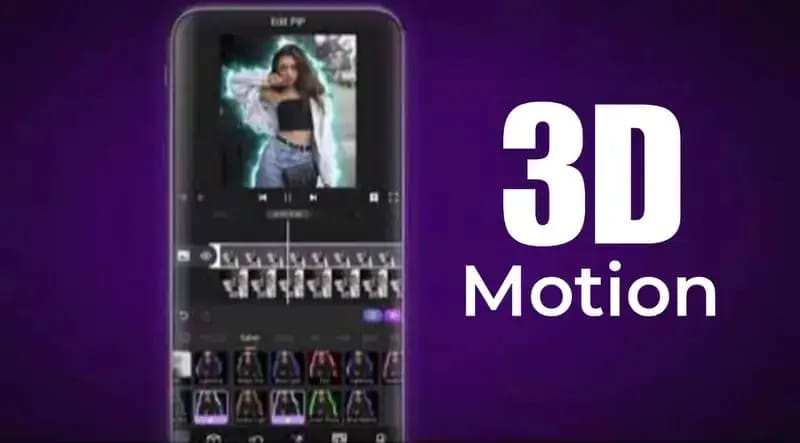

Video editing has become one of the most important skills in today’s digital world. Whether you are a YouTuber, TikTok creator, filmmaker, freelancer, or social media influencer, having a powerful video editor can completely transform your content quality. A good video editing software helps creators add effects, transitions, music, color grading, animations, and professional cinematic touches to their videos.
With so many editing applications available today, choosing the right one can be confusing. Some editors are designed for beginners, while others offer advanced professional features for experienced creators. The best video editor depends on your editing style, device performance, and content requirements.
In this article, we will explore the top 3 best video editors that are widely used by creators around the world. These editors are popular because of their powerful tools, smooth performance, and professional-quality results.
1. Adobe Premiere Pro
Adobe Premiere Pro is considered one of the best professional video editing software programs in the world. It is widely used by YouTubers, filmmakers, video agencies, and content creators for high-quality video production.
This software offers advanced editing tools that allow users to create professional cinematic videos with complete creative freedom. From basic cutting to advanced color grading and motion graphics, Premiere Pro provides everything needed for professional editing.
Features of Adobe Premiere Pro
- Professional timeline editing
- Advanced color correction
- Smooth transitions and effects
- Audio editing tools
- AI-powered features
- Multi-camera editing
- 4K and 8K video support
- Integration with After Effects and Photoshop
One of the biggest advantages of Premiere Pro is its flexibility. Creators can edit short social media reels, YouTube videos, advertisements, documentaries, and even movies using the same software.
Why Creators Love Premiere Pro
Many professional creators prefer Premiere Pro because it provides complete control over editing. It also supports almost every video format and works smoothly for high-resolution editing.
The software continuously receives updates with new AI tools that make editing faster and easier. Features like automatic captions, scene editing detection, and audio enhancement help save time during production.
Best For
- Professional video editors
- YouTubers
- Filmmakers
- Content agencies
- Advanced creators
Although Premiere Pro is extremely powerful, beginners may need some time to learn all its features properly.
2. CapCut
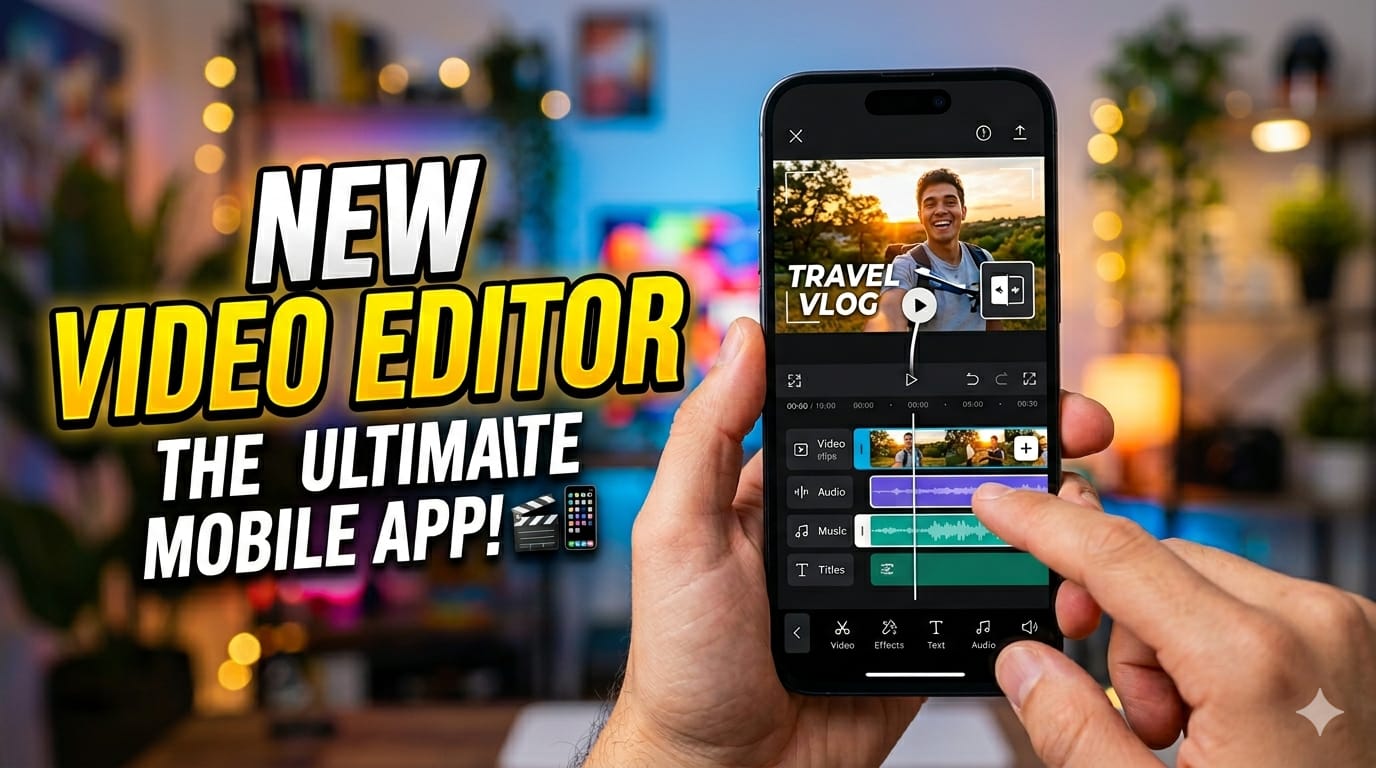
CapCut has become one of the most popular video editing apps for mobile creators. It is especially famous among TikTok, Instagram Reels, and YouTube Shorts creators because of its easy interface and fast editing tools.
CapCut offers professional-looking editing features while remaining simple enough for beginners. Users can edit videos directly from their phones without needing expensive computers.
Features of CapCut
- Easy drag-and-drop editing
- AI video enhancement
- Auto captions
- Trending transitions
- Slow motion effects
- Beauty filters
- Green screen support
- Music and sound effects
- 4K video export
One of the biggest reasons for CapCut’s popularity is its AI-powered features. Users can automatically remove backgrounds, generate captions, improve video quality, and apply cinematic effects within seconds.
Why Creators Love CapCut
CapCut is fast, beginner-friendly, and perfect for short-form content creation. Many viral TikTok and Instagram videos are edited using CapCut because it includes trending templates and social-media-focused tools.
The app also works well on mid-range smartphones, making it accessible for almost everyone.
Best For
- TikTok creators
- Instagram Reels creators
- Beginners
- Mobile editors
- Short-form video content
CapCut is ideal for users who want professional-looking videos without learning complicated editing software.
3. DaVinci Resolve
DaVinci Resolve is another powerful video editor widely respected in the film and content creation industry. It is famous for its advanced color grading tools and professional editing capabilities.
Many Hollywood filmmakers and professional editors use DaVinci Resolve because of its cinematic-quality editing features.
Features of DaVinci Resolve
- Professional color grading
- Visual effects tools
- Audio editing suite
- Multi-user collaboration
- Motion graphics
- High-performance rendering
- 4K and 8K editing
- AI-based editing features
One of the strongest features of DaVinci Resolve is its color correction system. Editors can create cinematic movie-style looks with incredible detail and precision.
Why Creators Love DaVinci Resolve
DaVinci Resolve offers professional-level tools completely free in its basic version, which is one of the main reasons creators love it.
The software combines editing, visual effects, audio production, and color grading in a single platform. This allows editors to complete entire projects without switching between different applications.
Best For
- Professional editors
- Filmmakers
- Cinematic video creators
- Advanced color grading
- High-end productions
Although it is very powerful, beginners may initially find the interface slightly complex.
Which Video Editor is Best?
Each video editor has its own strengths. The best choice depends on your editing needs and experience level.
Choose Adobe Premiere Pro If:
- You want professional editing tools
- You create YouTube videos or films
- You need advanced editing flexibility
Choose CapCut If:
- You edit videos on mobile
- You create TikTok or Instagram Reels
- You want fast and simple editing
Choose DaVinci Resolve If:
- You love cinematic editing
- You need advanced color grading
- You want professional features for free
Final Thoughts
Video editing is one of the most powerful skills for content creators in today’s digital era. Using the right video editor can significantly improve content quality and audience engagement.
Adobe Premiere Pro is perfect for professional editing workflows, CapCut is ideal for fast mobile editing, and DaVinci Resolve delivers cinematic-level results with advanced tools.
No matter which editor you choose, practice and creativity are the keys to becoming a better video creator. With consistent learning and editing experience, anyone can produce professional-quality videos that stand out online.